A short list on purpose. Each one has a problem behind it, a constraint that made it interesting, and a decision I would defend.
01AI & Products2026
Asterlo
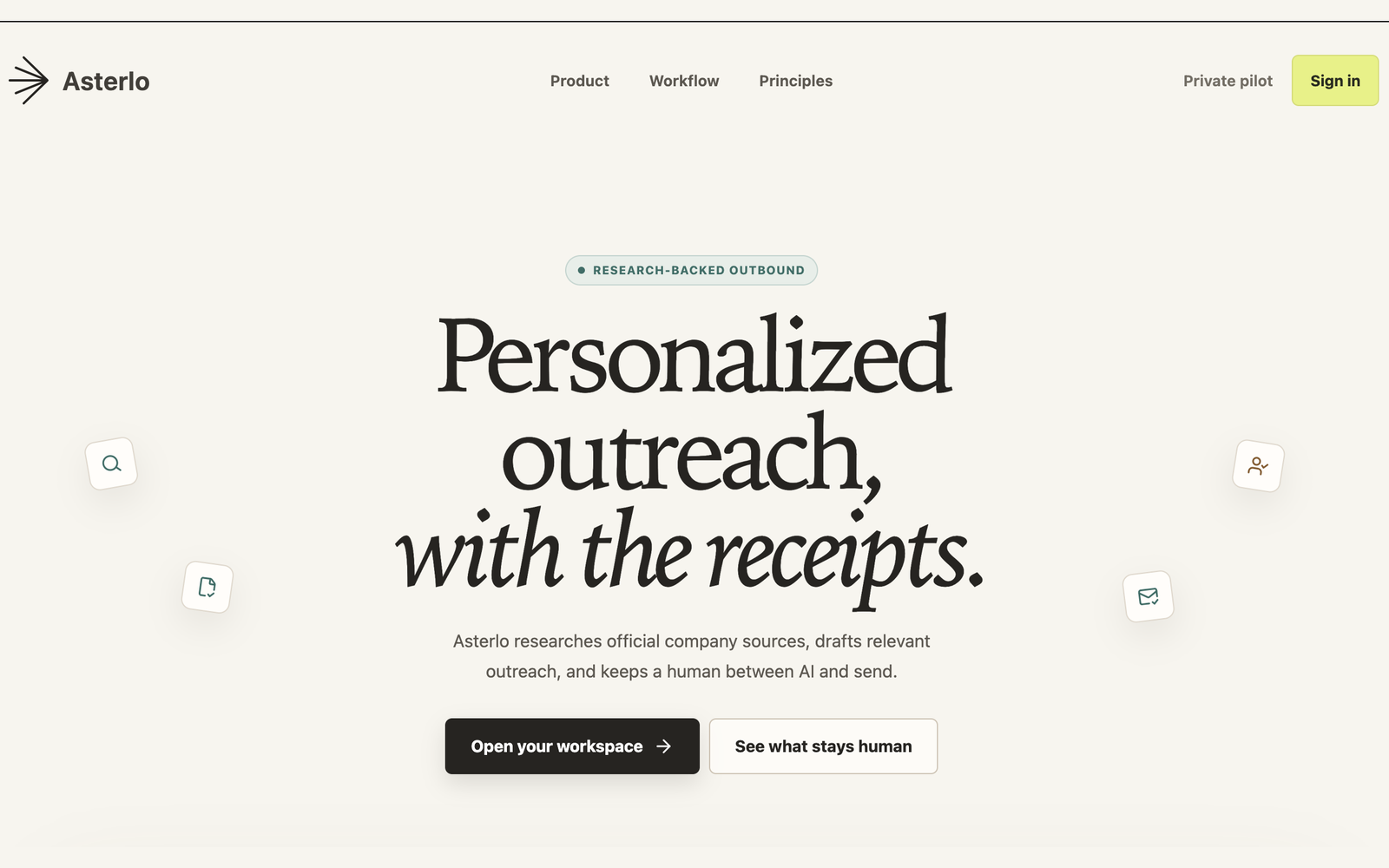
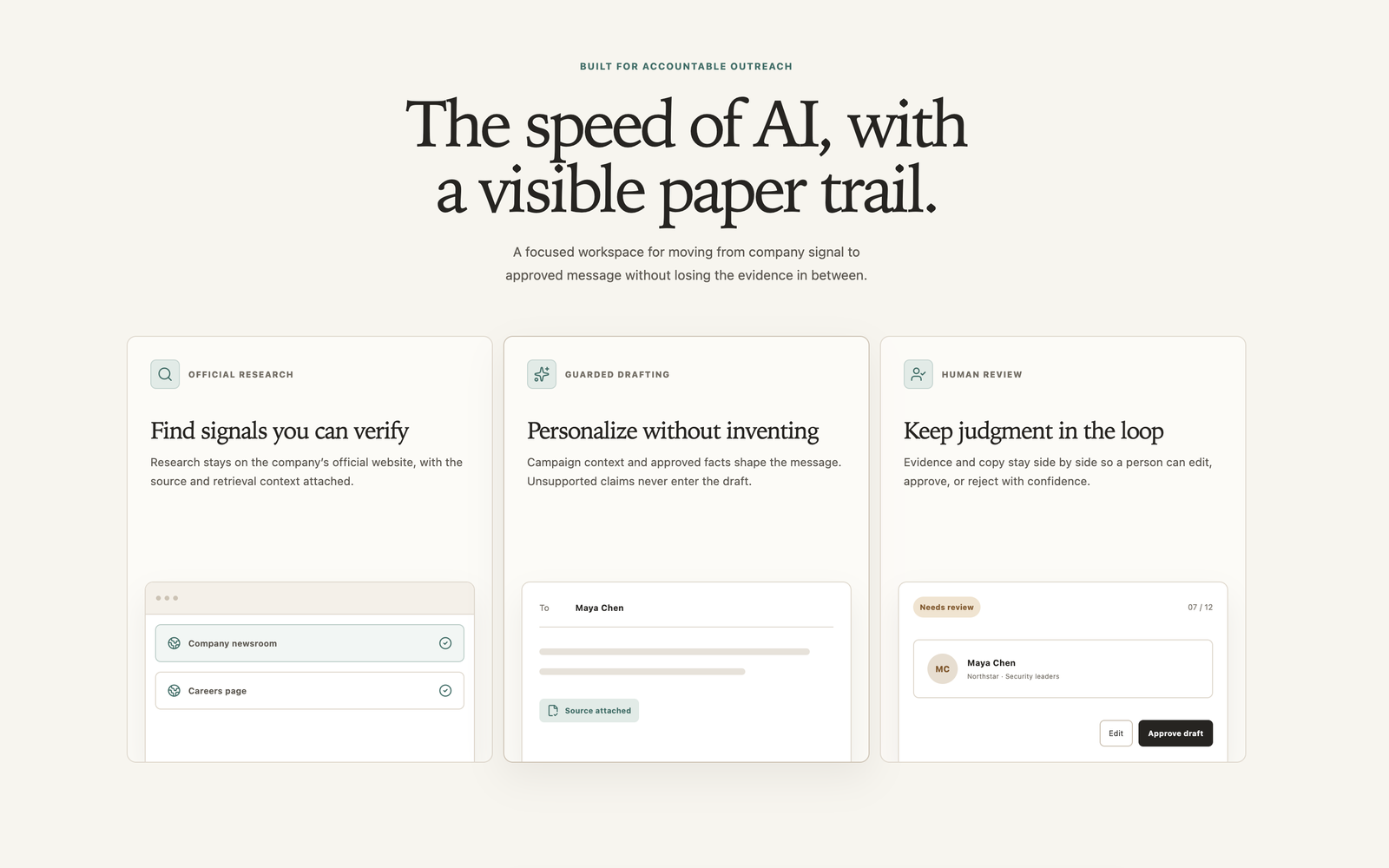
An AI-assisted outreach platform that runs the whole email workflow — researching a contact from official sources, drafting a personalized message, then holding it at a human approval gate before anything sends. The hard part was building automation that can be stopped: approval gates, campaign holds and idempotent controls so a sequence never double-sends, and never keeps going after someone has replied.
Asterlo's landing page: 'Personalized outreach, with the receipts.', above buttons to open the workspaceAsterlo's three-step product section: official research, guarded drafting, and human review before a draft is approved
02Mobile Apps2026
RepDay — Gym Workout Planner
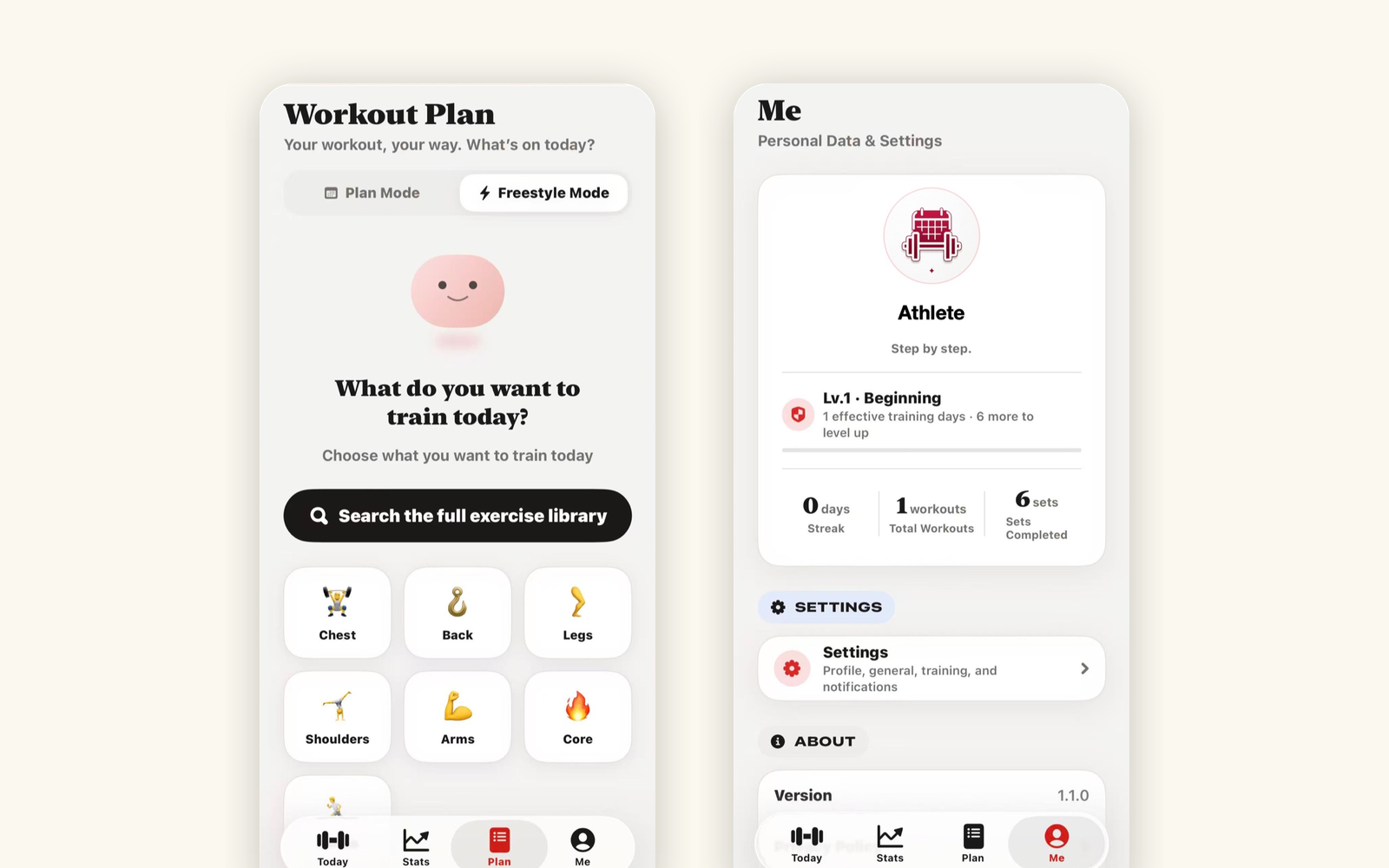
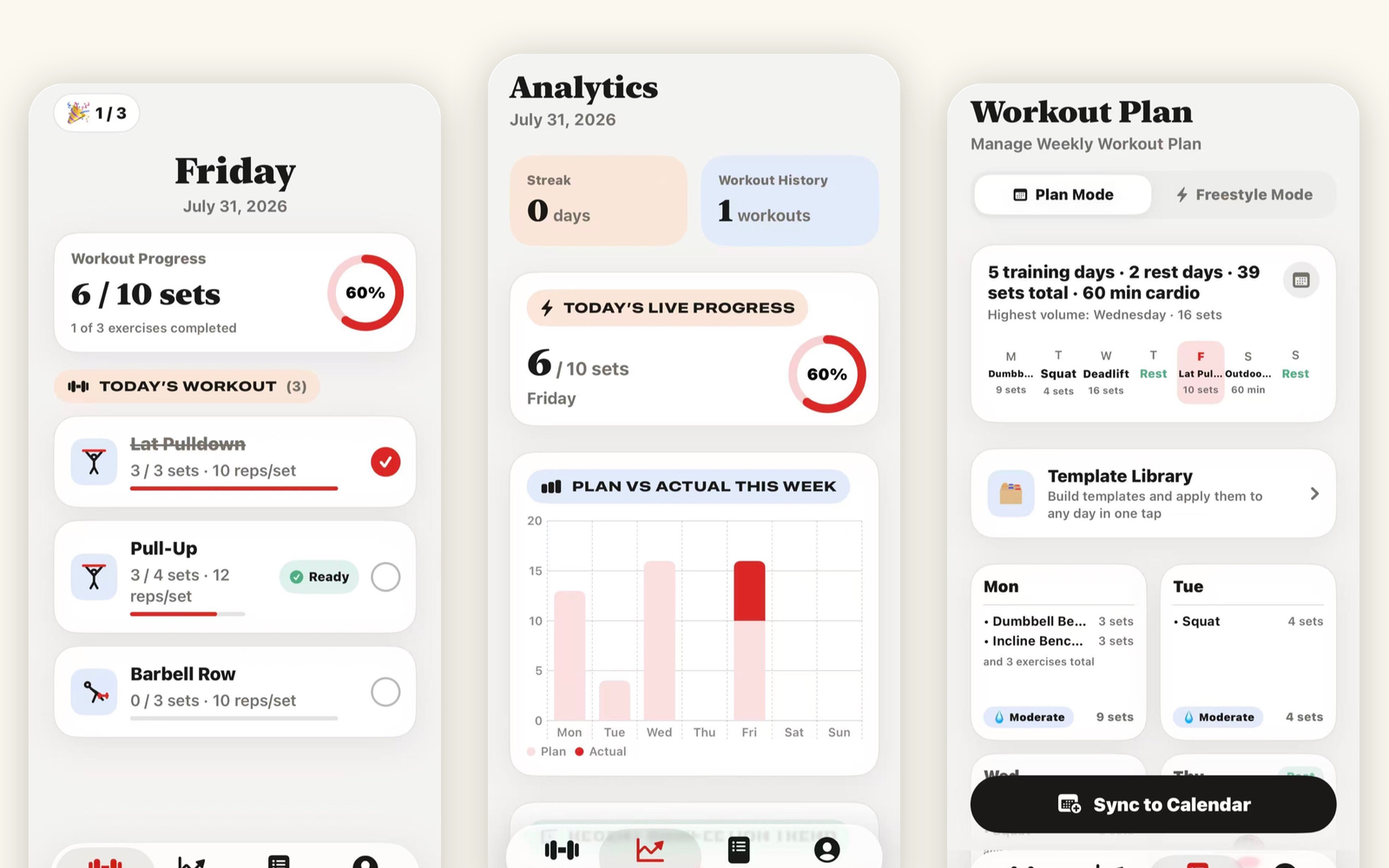
A native iOS workout planner, written in Swift and shipped to the U.S. App Store. Planned and improvised sessions share one model, so strength sets and duration-based cardio live in the same workout with independent concurrent rest timers, mid-session editing and undo. Everything stays on the device — no account, no analytics, no third-party SDKs.
Three RepDay screens: the day's workout with set progress, the analytics view, and the weekly workout planTwo more RepDay screens: freestyle training by muscle group, and the personal stats and level view
03AI & Products2026
Campus Decoder
An AI coach that helps international students read the unwritten rules of a U.S. university — office hours, emailing a professor, a group project going sideways. You describe the situation in your own words and get back the norm you were missing plus a next step you can actually send. Built solo from concept to deployment for GatewayHacks 2026.
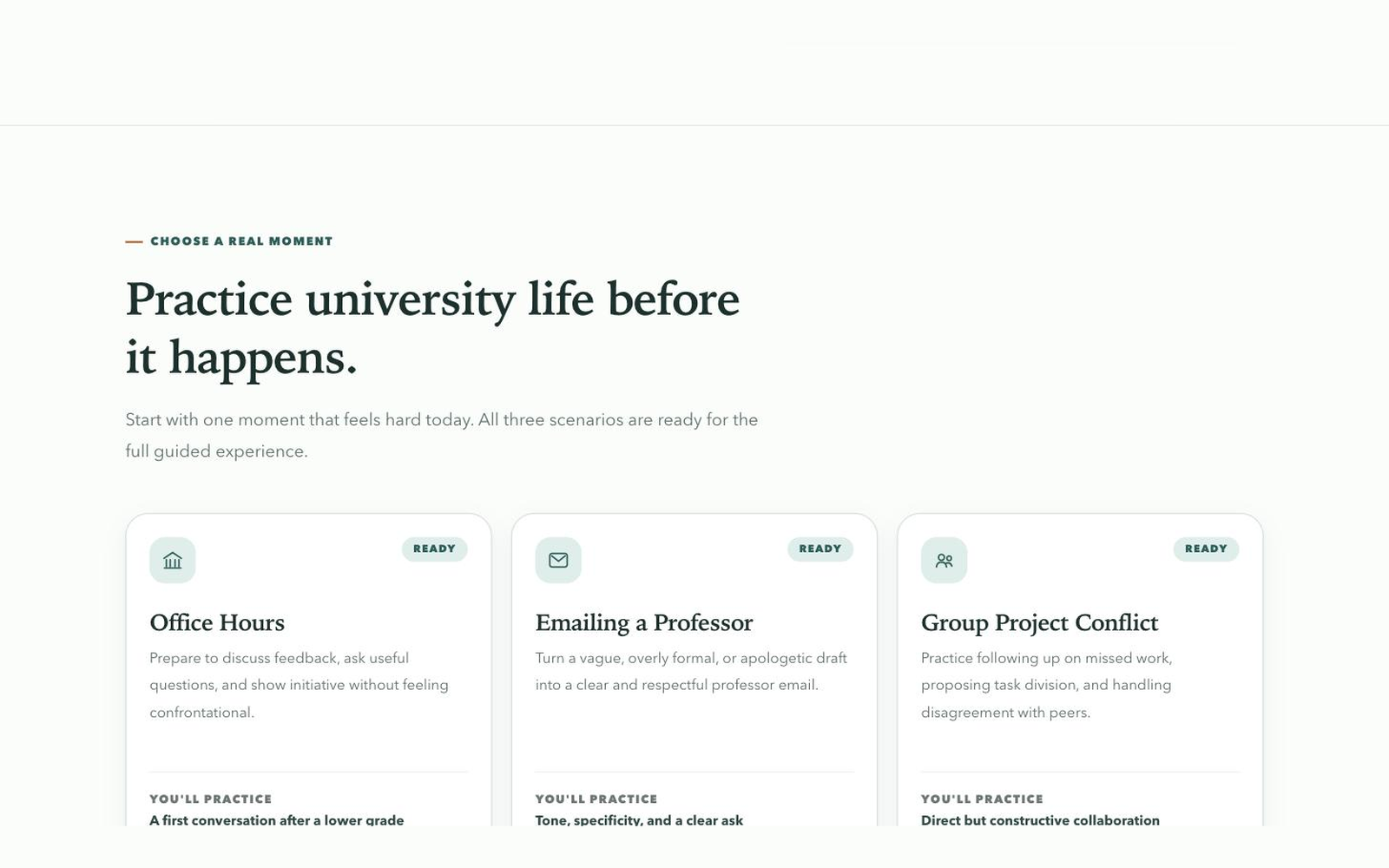
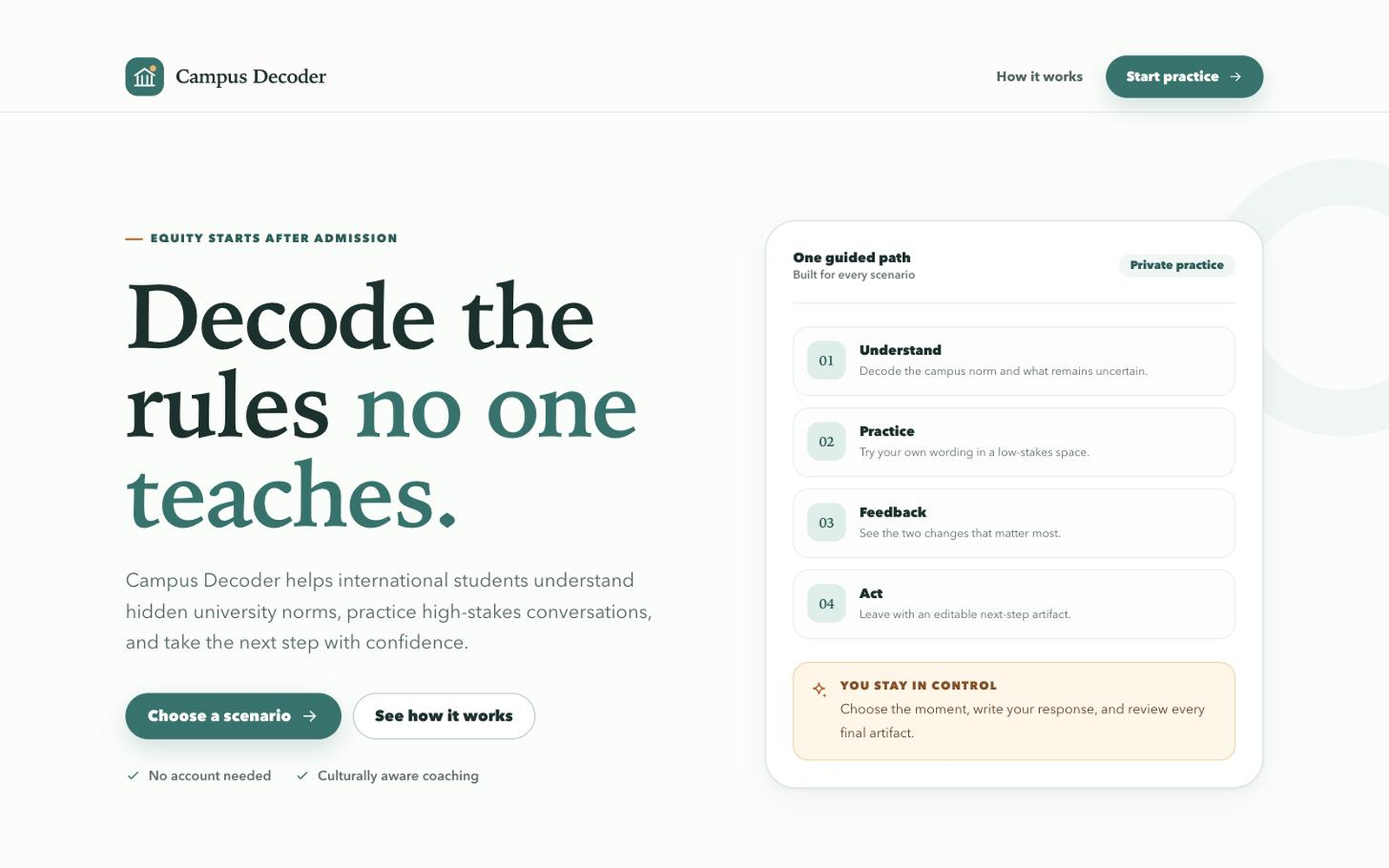
Campus Decoder's landing page: 'Decode the rules no one teaches', beside the four-step understand, practice, feedback, act pathCampus Decoder's scenario picker: office hours, emailing a professor, and group project conflict
04Web Projects2026
PrecisionTyper
A browser typing app with General, Calm, Quotes, and Code collections, each with three difficulty levels. Every character must match before a passage is complete. Practice mode keeps speed, mistakes, and elapsed time visible; Zen mode softens the feedback and advances automatically. Built with vanilla JavaScript, with preferences and passage progress stored in the browser.
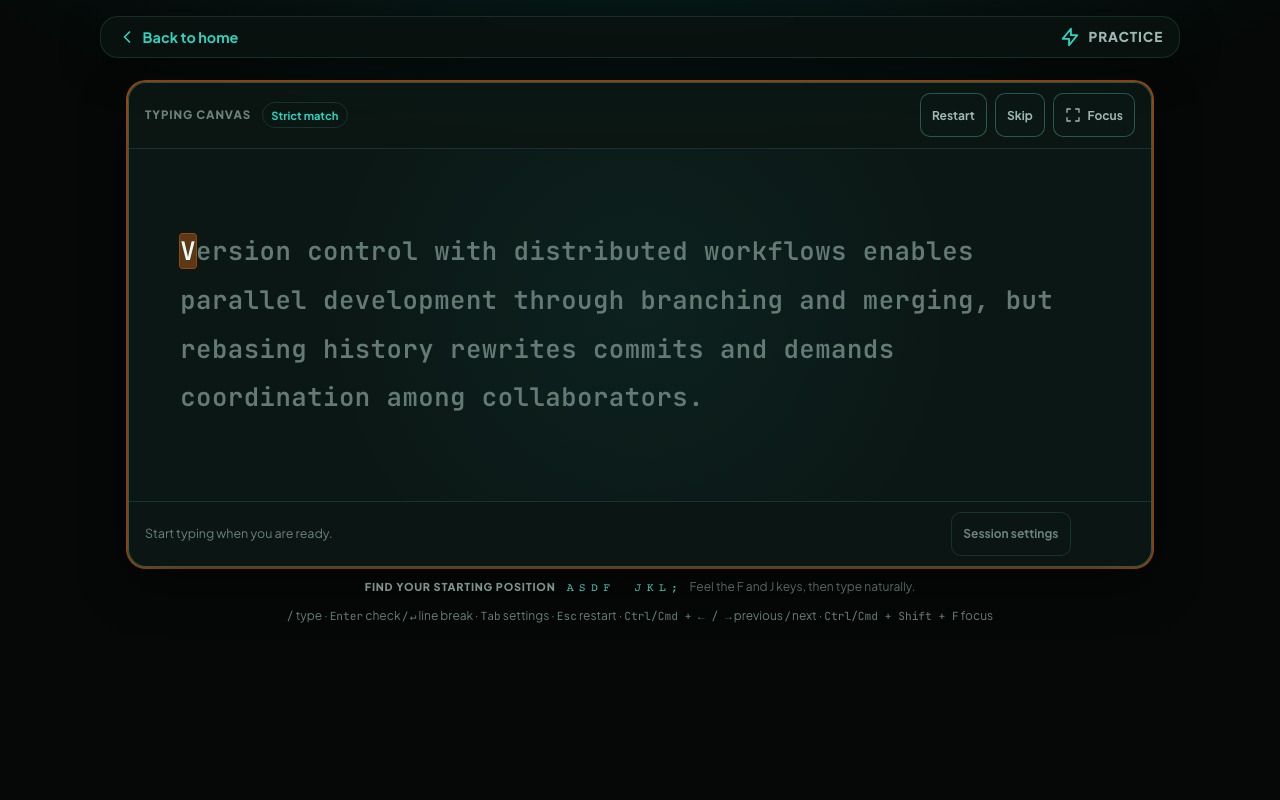
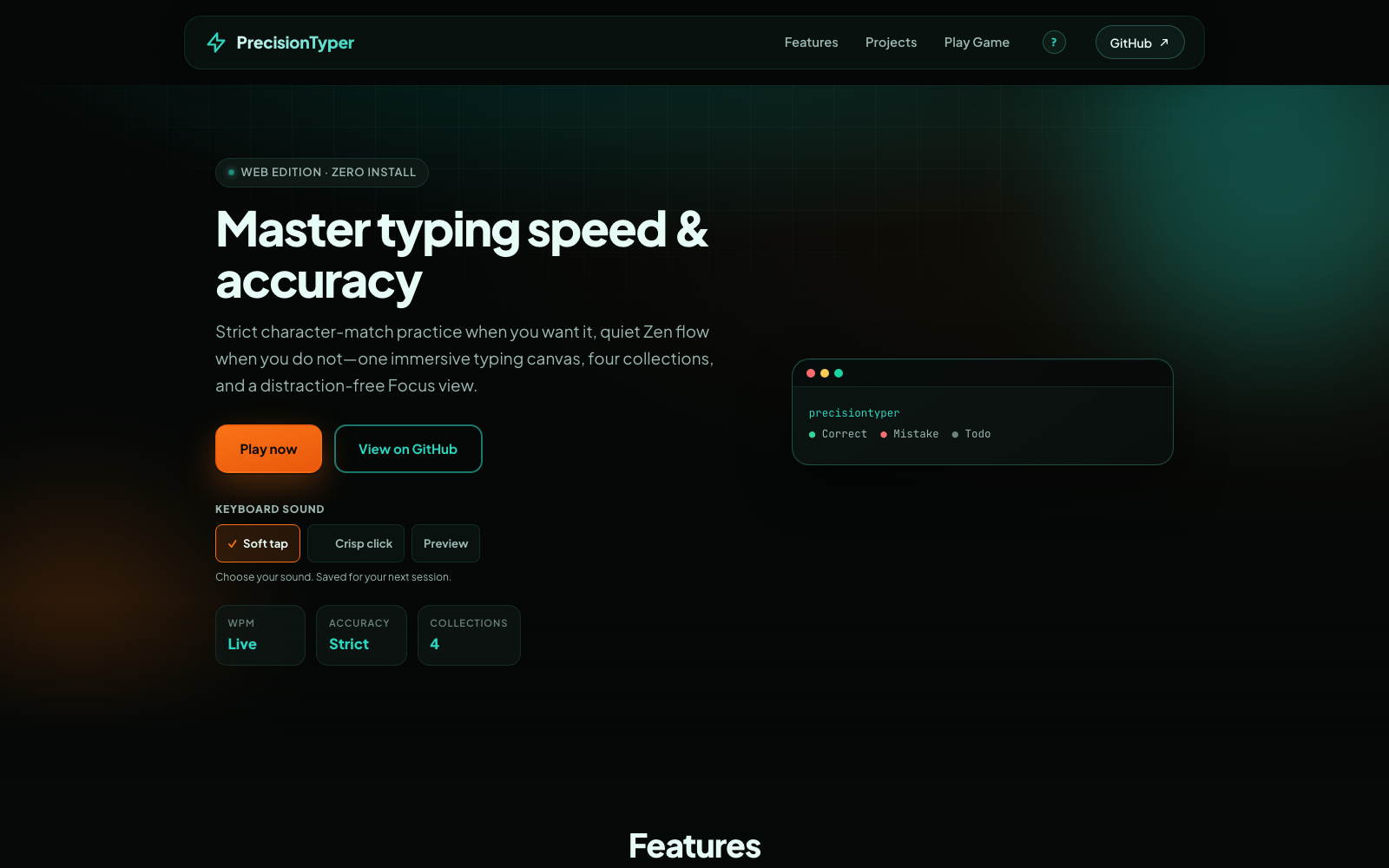
PrecisionTyper's dark landing page with the heading 'Master typing speed & accuracy', a Play now button, and keyboard sound optionsPrecisionTyper's typing canvas with a target passage, strict character matching, session settings, and a home-row starting guide